Typing Education: The Complete Guide to Learning Keyboarding, Touch Typing, and Digital Skills
Typing education is the process of learning how to use a keyboard efficiently, accurately, and comfortably. It includes keyboard awareness, finger placement, touch typing, typing speed, accuracy, spelling, digital communication, and the ability to use a computer confidently.
In today’s schools and workplaces, typing is a foundational digital skill. Students use keyboards for research, essays, online exams, coding, communication, and creative work. Adults use typing for emails, reports, data entry, customer support, programming, and many other daily tasks.
Typing education is not only about typing quickly. A strong typing education program teaches correct technique, builds accuracy, develops muscle memory, and helps learners use technology with confidence. TapTapTyping supports this process with typing lessons, typing tests, typing games, real-time feedback, and progress-based practice.
What Is Typing Education?
Typing education is a structured approach to teaching keyboard skills. It helps learners move from searching for individual keys to typing automatically without looking down at the keyboard.
A complete typing education program usually includes:
- Keyboard layout and key recognition
- Correct posture and hand position
- Home-row finger placement
- Touch-typing technique
- Letter, word, sentence, and paragraph practice
- Typing accuracy training
- Typing speed development
- Punctuation, capitalization, and number practice
- Typing tests and progress tracking
- Digital literacy and computer-use skills
Typing education can begin in early elementary school with simple letter recognition and continue through middle school, high school, college, and professional development.
Typing education vs typing practice
Typing education is the broader learning system. Typing practice is one part of that system.
| Area | Typing education | Typing practice |
|---|---|---|
| Main goal | Teach keyboard skills | Reinforce keyboard skills |
| Includes | Lessons, technique, assessment, curriculum | Repetition, drills, games, tests |
| Focus | How to type correctly | Improving speed and accuracy |
| Best used for | Building foundations | Maintaining and improving skills |
| Examples | Home-row lessons, posture, finger placement | Typing tests, games, paragraph practice |
A learner may take a typing lesson to learn the home row, then use a typing game or test to reinforce that skill. TapTapTyping’s lessons begin with home-row keys such as F, J, G, H, D, K, S, L, A, and semicolon before moving into the top and bottom rows.
Why Typing Education Matters
Typing is one of the most practical digital skills a student can learn. It supports schoolwork, communication, research, online testing, coding, and future employment.
When typing is slow, students may spend more energy finding keys than expressing ideas. When typing becomes more automatic, they can focus on spelling, organization, creativity, and problem-solving.
Benefits for students
Typing education can help students:
- Complete assignments more efficiently
- Take online tests with greater confidence
- Improve written expression
- Develop computer confidence
- Build spelling and word recognition
- Prepare for digital classrooms
- Support future career readiness
- Reduce frustration with school technology
- Develop useful digital-literacy skills
Research on keyboarding instruction shows that systematic typing instruction can improve typing fluency and accuracy. Studies of elementary students have found improvements in speed, accuracy, and technique after regular instruction over time.
Benefits for adults
Typing education is useful beyond school. Adults may need typing for:
- Emails and workplace communication
- Reports and documentation
- Data entry
- Customer service
- Programming and web development
- Transcription
- Online education
- Administrative work
- Remote jobs
- Professional certification tests
Typing education can help adults improve productivity, reduce errors, and become more comfortable using digital tools.
Typing Education in Schools
Many schools include keyboarding as part of technology education, computer literacy, business education, or digital skills instruction. The goal is to help students use a keyboard effectively before they face high-stakes online assignments and assessments.
When should typing education begin?
Typing education can begin early, but the approach should match a child’s development.
| Grade level | Typing education focus |
|---|---|
| Pre-K and kindergarten | Letter recognition, keyboard exploration, simple words |
| Grades 1–2 | Alphabet location, basic finger awareness, short words |
| Grade 3 | Home row, posture, touch-typing foundations |
| Grades 4–5 | Full keyboard, accuracy, sentences, WPM tracking |
| Middle school | Speed, accuracy, productivity, digital communication |
| High school | Professional typing, research, documents, coding readiness |
| College and adults | Efficiency, specialized vocabulary, workplace typing |
Keyboarding instruction is often introduced in elementary grades, with more emphasis on home-row technique as students get older. Education reporting notes that schools commonly begin with keyboard fundamentals in younger grades and introduce home-row typing as students mature.
Typing education curriculum
A strong typing curriculum should be progressive. It should not ask beginners to type long paragraphs before they understand where the keys are.
A practical curriculum may include:
- Keyboard orientation: Learn the keyboard layout and major key groups.
- Posture and ergonomics: Learn how to sit and position hands safely.
- Home-row keys: Learn A, S, D, F, J, K, L, and semicolon.
- Top-row keys: Learn Q, W, E, R, T, Y, U, I, O, and P.
- Bottom-row keys: Learn Z, X, C, V, B, N, and M.
- Numbers and symbols: Practice number keys and common punctuation.
- Words and phrases: Build automatic word recognition.
- Sentences and paragraphs: Practice real writing patterns.
- Accuracy training: Reduce errors before increasing speed.
- Typing tests: Measure WPM, accuracy, and progress.
TapTapTyping’s lesson structure follows a similar progression: it begins with home-row keys, then moves to top-row and bottom-row practice, with custom letter-selection exercises available for targeted practice.
Touch Typing Education
Touch typing is the ability to type without looking at the keyboard. It relies on finger placement, muscle memory, and consistent practice.
Touch typing begins with the home row. The left hand rests on A, S, D, and F, while the right hand rests on J, K, L, and semicolon. The F and J keys often have small bumps that help typists locate the home row by touch.
Why touch typing is important
Touch typing helps learners:
- Find keys without looking down
- Build finger memory
- Type more accurately over time
- Increase typing speed safely
- Focus on ideas rather than individual keys
- Develop efficient keyboard habits
- Prepare for longer writing tasks
Research on touch-typing fluency shows that systematic instruction can improve typing effectiveness, speed, accuracy, and technique across different age groups.
How to teach touch typing
A simple touch-typing teaching sequence is:
- Teach correct posture.
- Place fingers on the home row.
- Introduce a small group of keys.
- Practice slowly and accurately.
- Return fingers to the home row after every reach.
- Add new keys gradually.
- Practice words made from learned keys.
- Move to sentences and paragraphs.
- Use typing tests to measure progress.
- Review weak keys regularly.
Learners should not rush. A typing speed score built on poor technique may look impressive in the short term, but it can create habits that are difficult to correct later.
Typing Education for Beginners
Beginners should focus on building a strong foundation. The first goal is not to reach a high WPM score; it is to type accurately with proper technique.
Beginner typing education plan
A beginner can follow this simple plan:
| Week | Focus | Suggested practice |
|---|---|---|
| Week 1 | Keyboard basics and home row | 10 minutes, 3–5 days per week |
| Week 2 | Home-row review and simple words | 10–15 minutes, 3–5 days per week |
| Week 3 | Top-row keys | 15 minutes, 3–5 days per week |
| Week 4 | Bottom-row keys | 15 minutes, 3–5 days per week |
| Week 5 | Words, sentences, and accuracy | 15–20 minutes, 3–5 days per week |
| Week 6 | Typing tests and weak-key review | 15–20 minutes, 3–5 days per week |
This plan can be adjusted for children, teens, and adults. The key is consistency.
Beginner mistakes to avoid
Beginners often make these mistakes:
- Looking at the keyboard too often
- Using only two fingers
- Typing too quickly before learning accuracy
- Ignoring posture
- Skipping home-row practice
- Practicing only games
- Avoiding difficult keys
- Comparing themselves to faster typists
The solution is to slow down, practice correct finger placement, and build accuracy first.
Typing Education for Kids
Typing education for kids should be playful, structured, and age-appropriate. Young children may begin by identifying letters, while older children can learn touch typing and measure WPM.
Typing education for preschoolers
Preschool children can explore the keyboard through games and simple activities. At this stage, the goal is familiarity, not speed.
Good activities include:
- Finding letters on the keyboard
- Typing the first letter of their name
- Typing simple three-letter words
- Practicing uppercase and lowercase letters
- Using colorful, simple typing games
Typing education for kindergarten
Kindergarten students can begin learning where letters are located. They can also practice short words and simple keyboard movements.
Useful goals include:
- Recognizing letters
- Typing simple CVC words
- Practicing basic finger placement
- Building confidence with a keyboard
- Learning that practice improves skill
Typing education for elementary students
Elementary students can begin structured keyboarding instruction. They can learn home-row keys, practice words, type simple sentences, and take short typing tests.
A good elementary routine may include:
- Five minutes of typing games
- Ten minutes of typing lessons
- Five minutes of accuracy practice
- One short typing test each week
Structured instruction is valuable because it helps students build technique rather than relying only on random game play. Research on elementary keyboarding has found that structured approaches can support improvements in speed, accuracy, and technique.
Typing education for middle school students
Middle school students can focus on speed, accuracy, endurance, and productivity. They may need typing for research projects, essays, online assignments, and digital communication.
At this level, students can practice:
- Paragraph typing
- Punctuation and capitalization
- Numbers and symbols
- Timed typing tests
- Accuracy improvement
- Keyboard shortcuts
- Digital organization
Typing education for high school students
High school students can use typing education to prepare for college, online exams, research, coding, and workplace skills. They should focus on both speed and accuracy.
Useful practice includes:
- Longer typing tests
- Technical vocabulary
- Academic writing
- Email and professional communication
- Coding fundamentals
- Data entry
- Document formatting
Typing Education for Adults
Adults may already know how to type, but many still use inefficient habits. They may look at the keyboard, use only a few fingers, or type quickly with frequent errors.
Typing education for adults should focus on replacing inefficient habits with better technique.
Adult typing education plan
Adults can follow this plan:
- Take a baseline typing test.
- Identify weak keys and common errors.
- Practice home-row placement.
- Use targeted lessons for weak fingers.
- Practice common workplace words.
- Take short typing tests weekly.
- Track accuracy alongside WPM.
- Practice longer documents gradually.
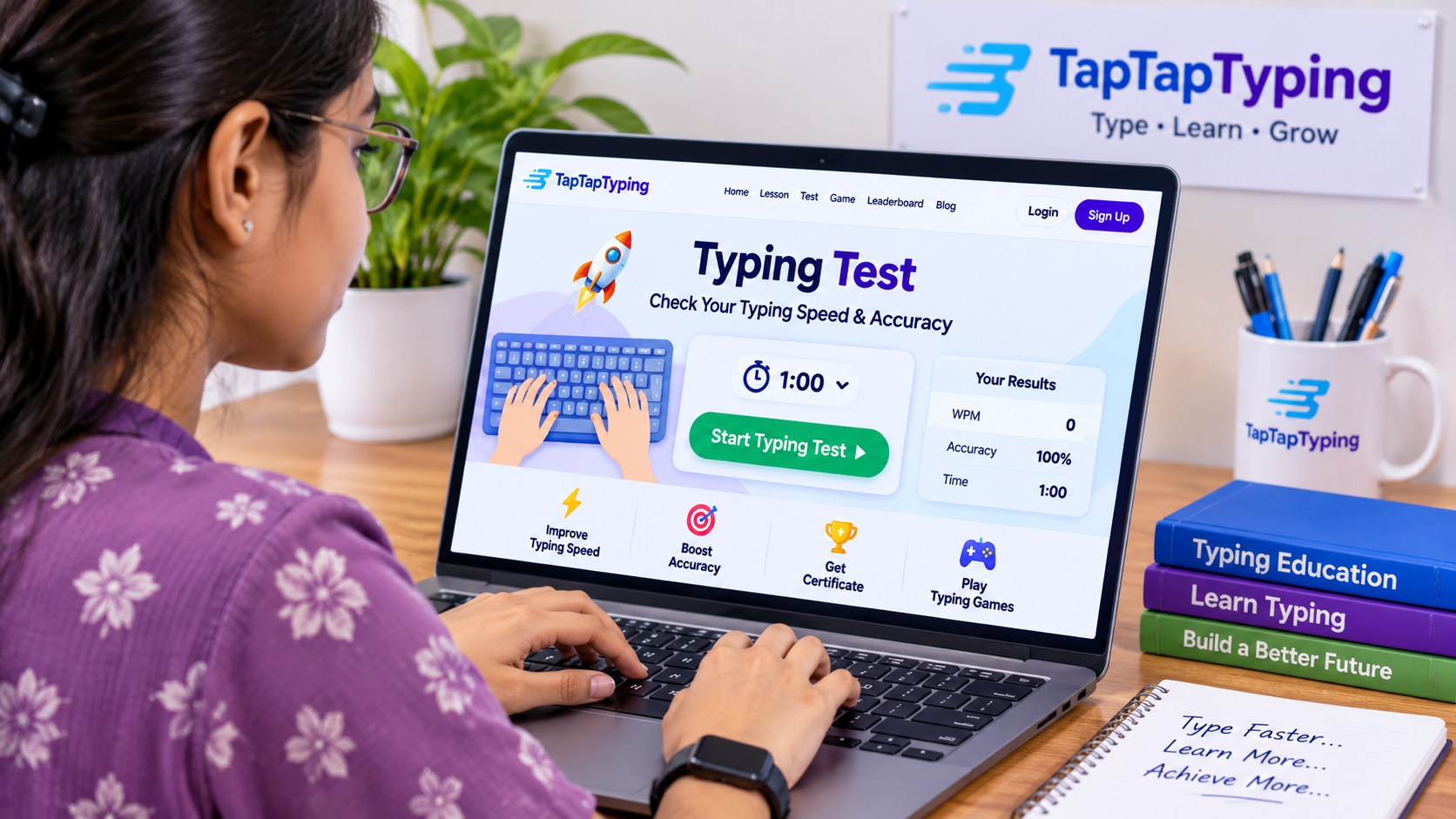
TapTapTyping’s typing test provides WPM and accuracy results, while its typing lessons provide structured practice for learners at different levels.
Typing Speed Education
Typing speed is usually measured in words per minute, or WPM. However, WPM is only meaningful when accuracy is strong.
A learner who types 70 WPM with 75% accuracy is not typing as effectively as someone who types 45 WPM with 98% accuracy. Accuracy should come first; speed follows with consistent practice.
What is WPM?
WPM means words per minute. In many typing tests, one word is counted as five characters, including spaces. TapTapTyping explains that its WPM calculation divides correct units per minute by five, and that accuracy counts errors even if the user corrects them.
What is a good typing speed?
Typing speed varies by age, experience, and purpose.
| Typing level | Approximate WPM | Typical use |
|---|---|---|
| Beginner | 20–30 WPM | Learning keyboard basics |
| Developing typist | 30–40 WPM | School assignments and everyday use |
| Comfortable typist | 40–50 WPM | Regular school and work typing |
| Strong typist | 50–60 WPM | Productive writing and office work |
| Advanced typist | 60–80 WPM | Professional and high-volume typing |
| Expert typist | 80+ WPM | Specialized or competitive typing |
A beginner may start around 20–30 WPM and improve gradually with regular practice.
How to improve typing speed safely
To improve typing speed, learners should:
- Use correct finger placement
- Focus on accuracy before speed
- Practice regularly
- Return fingers to the home row
- Avoid looking at the keyboard
- Practice weak keys
- Use short, frequent sessions
- Track WPM and accuracy
- Increase difficulty gradually
Typing education should reward steady improvement, not reckless speed.
Typing Accuracy Education
Accuracy is the percentage of characters typed correctly. It is one of the most important measures in typing education because errors slow down real work and can create frustration.
Why accuracy matters
Accuracy helps learners:
- Avoid rework
- Build confidence
- Develop correct muscle memory
- Improve writing quality
- Perform better on timed tests
- Type more efficiently over time
A high WPM score with many mistakes is less useful than a moderate WPM score with strong accuracy.
Accuracy practice routine
A simple accuracy routine:
- Take a one-minute typing test.
- Record accuracy and WPM.
- Identify missed keys.
- Practice those keys for five minutes.
- Retake the test.
- Compare results.
TapTapTyping’s typing test provides accuracy results and highlights the slowest characters, which can help learners identify areas for improvement.
Typing Tests and Assessment
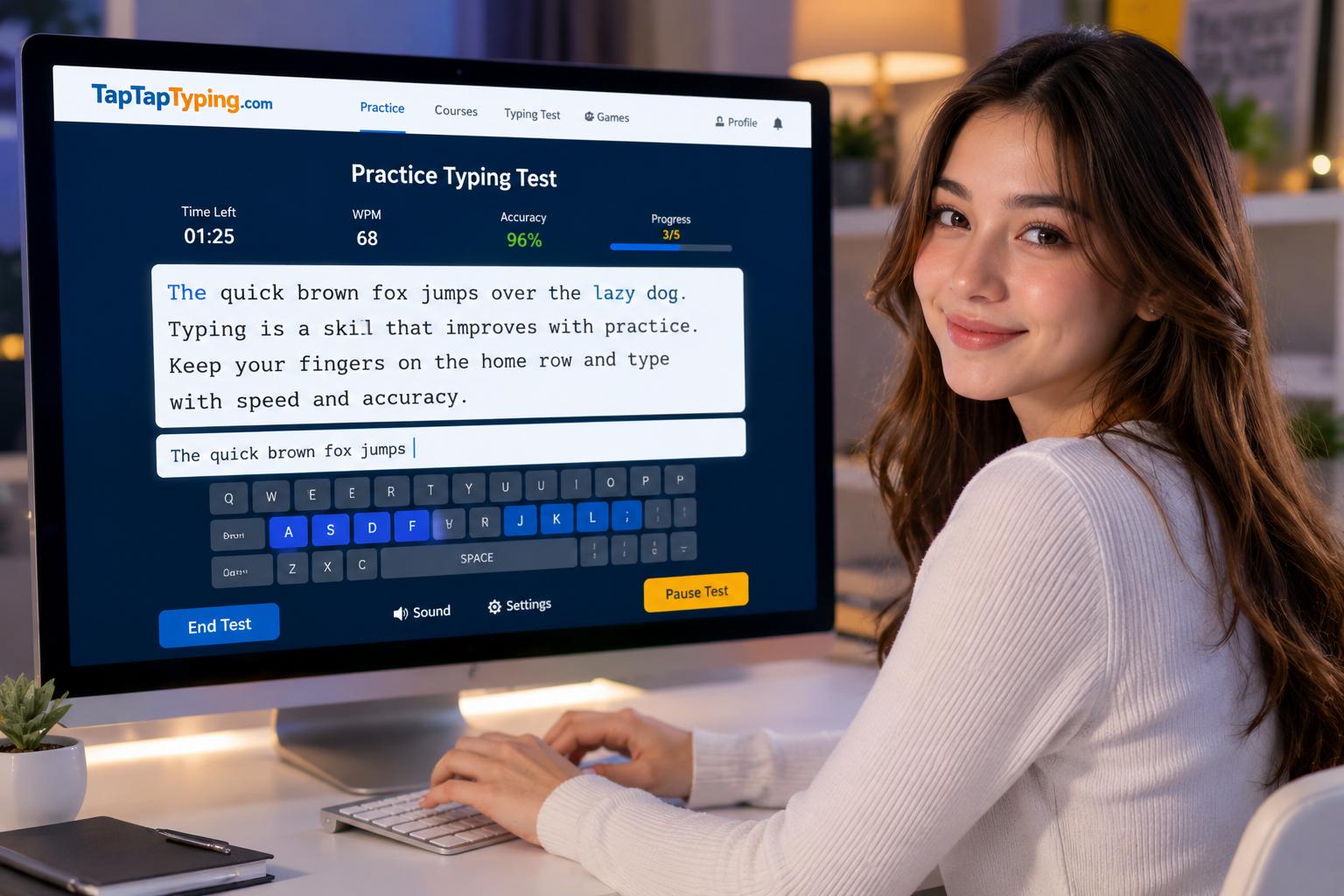
Typing tests are an important part of typing education because they provide measurable feedback. A test can show WPM, accuracy, errors, and progress over time.
Types of typing tests
| Test type | Duration | Best use |
|---|---|---|
| One-minute test | 1 minute | Quick progress check |
| Two-minute test | 2 minutes | Short accuracy and speed check |
| Three-minute test | 3 minutes | Balanced assessment |
| Five-minute test | 5 minutes | More reliable progress measurement |
| Ten-minute test | 10 minutes | Endurance and consistency |
| Custom test | Variable | Practice specific words or text |
TapTapTyping offers English typing tests in one, two, three, five, and ten-minute formats, along with word, paragraph, custom-text, and number practice modes.
How to use typing tests correctly
Typing tests should be used as feedback, not as a source of pressure.
A healthy testing routine:
- Take a baseline test before starting lessons
- Test once or twice per week
- Use the same test length when comparing results
- Track WPM and accuracy
- Review common errors
- Celebrate improvement
- Avoid testing immediately after a frustrating session
A one-minute test is useful for a quick check, while longer tests can provide a more complete picture of endurance and consistency.
Typing Games in Typing Education
Typing games make typing education more engaging. They turn repetition into a challenge by adding goals, timers, scores, levels, and competition.
Games should support learning, not replace it. A learner may complete a home-row lesson and then play a game that reinforces those same keys.
Benefits of typing games
Typing games can help learners:
- Stay motivated
- Practice for longer periods
- Build reaction time
- Improve word recognition
- Reduce typing anxiety
- Reinforce lessons
- Make practice enjoyable
- Track progress through scores
TapTapTyping offers typing games alongside lessons and tests, allowing learners to combine structured education with interactive practice.
Best ways to use typing games
Use typing games:
- After a typing lesson
- As a warm-up
- As a reward after completing practice
- To reinforce weak keys
- To build speed after accuracy improves
- To make classroom practice more engaging
- To encourage regular practice at home
Typing Education and Digital Literacy
Typing education is part of digital literacy. Digital literacy means knowing how to use technology safely, effectively, and responsibly.
A typing education program can include:
- Keyboard skills
- File management
- Online research
- Email communication
- Document creation
- Internet safety
- Password awareness
- Digital citizenship
- Basic coding readiness
- Online collaboration
Typing is often the first digital skill students need before they can fully participate in digital learning. As schools increasingly use online exams and digital tools, keyboarding can support both efficiency and confidence.
Typing Education for Special Needs Learners
Typing can be especially valuable for learners who find handwriting difficult, tiring, or frustrating. A keyboard can provide another way to express ideas, complete assignments, and participate in digital learning.
However, typing education should be flexible. Every learner has different needs, strengths, and challenges.
Helpful adjustments
Educators and parents can try:
- Shorter practice sessions
- Larger text size
- Reduced visual distractions
- Extra time for practice
- Frequent positive feedback
- Adjustable difficulty
- A quiet learning environment
- Repetition of difficult keys
- Breaks between activities
- Assistive keyboards or keyboard overlays when appropriate
The goal is to make typing education accessible, supportive, and confidence-building.
Typing Education at Home
Parents can support typing education without turning it into a stressful activity. A consistent routine is more effective than occasional long sessions.
A simple home typing plan
| Day | Activity | Time |
|---|---|---|
| Monday | Typing lesson | 10 minutes |
| Tuesday | Typing game | 10 minutes |
| Wednesday | Home-row practice | 10 minutes |
| Thursday | Typing test | 5–10 minutes |
| Friday | Fun typing challenge | 10–15 minutes |
| Weekend | Review progress | 10 minutes |
This routine gives children variety while reinforcing the same skills.
Make typing practice positive
Parents should praise effort and improvement:
- “Your accuracy improved.”
- “You remembered where that key is.”
- “You completed a harder lesson.”
- “You beat your previous score.”
- “You typed more words correctly than yesterday.”
Typing education should build confidence, not anxiety.
Typing Education for Teachers
Teachers can use typing education to prepare students for digital learning. A good classroom program combines instruction, practice, games, and assessment.
Classroom typing routine
A teacher might use this structure:
- First 5 minutes: Typing warm-up or game
- Next 10 minutes: Guided typing lesson
- Next 5 minutes: Targeted practice
- Final 5 minutes: Typing test or challenge
This structure provides both engagement and measurable progress.
Classroom typing goals
Teachers can set goals based on student level:
- Type the alphabet without looking
- Use the home row correctly
- Type 20 WPM with 90% accuracy
- Type a short paragraph with few errors
- Improve WPM by a realistic amount each month
- Complete a five-minute typing test
- Use punctuation and capitalization correctly
Typing Education for Career Readiness
Typing education is also career education. Many jobs require keyboard skills, even if typing is not the main responsibility.
Careers that benefit from typing
Typing skills are useful in:
- Administration
- Customer service
- Data entry
- Journalism and writing
- Marketing
- Accounting
- Legal work
- Medical administration
- Education
- Software development
- Transcription
- Remote work
- Virtual assistance
- Office management
Typing education can help job seekers improve productivity and prepare for workplace technology.
Typing certificates
A typing certificate can show a learner’s typing speed and accuracy. It may be useful for job applications, training programs, and personal progress tracking.
TapTapTyping offers a typing exam and certificate feature, allowing learners to work toward a record of their typing achievement.[taptaptyping]
How to Build a Typing Education Program
Whether you are a parent, teacher, or self-learner, a typing education program should be simple, consistent, and measurable.
Step 1: Set a goal
Choose a realistic goal:
- Learn the home row
- Reach 30 WPM
- Reach 40 WPM
- Improve accuracy to 95%
- Type a full paragraph without looking
- Complete a five-minute typing test
- Earn a typing certificate
Step 2: Take a baseline test
Before beginning lessons, take a typing test to record current WPM and accuracy. This gives you a starting point.
Step 3: Learn proper technique
Focus on:
- Posture
- Hand position
- Home-row placement
- Correct finger use
- Looking at the screen
- Returning fingers to the home row
Step 4: Practice regularly
Use short sessions several times per week. Consistency matters more than occasional long practice.
Step 5: Use games strategically
Use games to reinforce lessons and keep practice enjoyable. Do not rely on games alone for technique.
Step 6: Measure progress
Track WPM, accuracy, errors, weak keys, and completed lessons. Review progress weekly or monthly.
Step 7: Adjust difficulty
If accuracy drops, slow down. If accuracy remains high, add more challenging words, sentences, or timed tests.
Common Typing Education Mistakes
Focusing only on speed
Speed is important, but accuracy and technique come first. A learner who rushes may develop errors that become difficult to correct.
Ignoring posture
Poor posture can make typing uncomfortable. Learners should sit upright, keep wrists relaxed, and position the screen at a comfortable height.
Looking at the keyboard
Looking down may feel easier at first, but it slows the development of touch typing. Learners should gradually keep their eyes on the screen.
Practicing without feedback
Feedback helps learners identify errors. Typing tests, accuracy results, and lesson progress can show where improvement is needed.
Skipping difficult keys
Many learners avoid difficult keys, such as Q, Z, X, punctuation, numbers, or capital letters. Targeted practice can turn weak areas into strengths.
Comparing progress to others
Every learner progresses at a different pace. The most useful comparison is with your own previous result.
Typing Education FAQs
What is typing education?
Typing education is the structured process of learning keyboard skills, including finger placement, touch typing, accuracy, speed, and digital literacy.
Why is typing education important?
Typing education helps students and adults use computers more efficiently. It supports schoolwork, online testing, communication, research, coding, and career readiness.
What is touch typing?
Touch typing is typing without looking at the keyboard. It uses home-row finger placement and muscle memory.
How long does it take to learn typing?
It depends on age, practice frequency, and starting skill. Many beginners can build basic keyboard familiarity within a few weeks, while strong touch-typing skills develop over months of regular practice.
What is a good typing speed for students?
A good goal depends on age and experience. Many beginners begin around 20–30 WPM, while more experienced typists may reach 40–60 WPM or higher.
Should accuracy come before speed?
Yes. Accuracy should come first. Once a learner can type accurately, speed can improve gradually without creating bad habits.
Can typing games replace typing lessons?
No. Typing games are useful for motivation and repetition, but structured lessons are important for teaching correct technique.
How often should someone practice typing?
Three to five short sessions per week is a good starting point. Even 10–15 minutes per session can produce steady improvement when practiced consistently.
Can typing education help with spelling?
Yes. Typing practice can reinforce word recognition and spelling, especially when learners repeatedly type real words and sentences.
Is typing education useful for adults?
Yes. Adults can use typing education to improve workplace productivity, reduce errors, prepare for online assessments, and build digital confidence.
Topical Map for Typing Education
This topical map can guide TapTapTyping’s content strategy. Each cluster can become a supporting article that links back to the main typing-education pillar page.
Core pillar: typing education
Pillar page: Typing Education: The Complete Guide to Learning Keyboarding, Touch Typing, and Digital Skills
Supporting articles:
- What Is Typing Education?
- Typing Education for Beginners
- Typing Education for Kids
- Typing Education for Students
- Typing Education for Adults
- Typing Education for Schools
- Typing Education Curriculum
- Typing Education Program
- Typing Education Benefits
- Typing Education Importance
Keyboarding cluster
- Keyboarding Education
- Keyboarding Curriculum
- Keyboarding Lessons
- Keyboarding Skills
- Keyboarding Practice
- Keyboarding Assessment
- Keyboarding Standards
- Keyboarding for Elementary Students
- Keyboarding for Middle School
- Keyboarding for High School
- Keyboarding Techniques
- Keyboarding Posture
- Keyboarding Accuracy
- Keyboarding Speed
Touch typing cluster
- What Is Touch Typing?
- Touch Typing Lessons
- Touch Typing Practice
- Touch Typing for Beginners
- Touch Typing for Kids
- Touch Typing for Adults
- Touch Typing Techniques
- Touch Typing Finger Placement
- Touch Typing Home Row
- Touch Typing Exercises
- Touch Typing Curriculum
- Touch Typing Assessment
- Touch Typing Benefits
- Touch Typing vs Hunt and Peck
Typing lessons cluster
- Typing Lessons for Beginners
- Free Typing Lessons
- Online Typing Lessons
- Typing Lessons for Kids
- Typing Lessons for Adults
- Typing Lessons for Students
- Home Row Typing Lessons
- Top Row Typing Lessons
- Bottom Row Typing Lessons
- Typing Lessons for Numbers
- Typing Lessons for Punctuation
- Typing Lessons for Symbols
- Typing Lessons for Sentences
- Typing Lessons for Paragraphs
- Custom Typing Lessons
Typing speed cluster
- Typing Speed Education
- How to Improve Typing Speed
- Typing Speed Test
- WPM Typing Test
- Typing Speed for Students
- Typing Speed for Kids
- Typing Speed for Adults
- Average Typing Speed
- Good Typing Speed
- Typing Speed Practice
- Typing Speed Drills
- Typing Speed Improvement Plan
- Fast Typing Techniques
- Typing Speed and Accuracy
Typing accuracy cluster
- Typing Accuracy Practice
- Typing Accuracy Test
- How to Improve Typing Accuracy
- Typing Accuracy Drills
- Typing Accuracy for Beginners
- Typing Accuracy for Kids
- Typing Accuracy for Students
- Reduce Typing Errors
- Common Typing Mistakes
- Typing Error Analysis
- Accuracy Before Speed
- Typing Accuracy Goals
- Typing Accuracy Training
Typing assessment cluster
- Typing Assessment
- Typing Assessment for Students
- Typing Assessment Test
- Typing Skills Assessment
- Keyboarding Assessment
- Typing Proficiency Test
- Typing Placement Test
- Typing Progress Tracking
- Typing Test for Schools
- Typing Test for Teachers
- Typing Test for Job Applicants
- Typing Certificate
- Typing Certification
- Typing Exam
Digital literacy cluster
- Digital Literacy Education
- Computer Literacy for Students
- Computer Skills for Kids
- Technology Education for Students
- Online Learning Skills
- Digital Citizenship Education
- Internet Safety Education
- Email Writing Skills
- Document Editing Skills
- Research Skills for Students
- Coding Readiness for Kids
- Digital Skills Curriculum
- Educational Technology
- Classroom Technology Skills
Career readiness cluster
- Typing Skills for Jobs
- Typing Skills for Resume
- Typing Skills for Employment
- Typing Test for Job Application
- Typing Certificate for Jobs
- Data Entry Typing Practice
- Office Typing Skills
- Professional Typing Skills
- Business Typing Skills
- Transcription Typing Practice
- Customer Service Typing Skills
- Remote Work Typing Skills
- Typing Skills for Administrative Jobs
- Typing Skills for Programmers
Keyword Cluster Expansion Formula
Examples:
- typing education for beginners
- typing education for kids free
- typing education for elementary students
- typing education for middle school students
- typing education for high school students
- typing education for adults online
- typing education curriculum for schools
- typing education lessons for beginners
- typing education games for kids
- typing education test for students
- typing education practice for adults
- touch typing education for beginners
- keyboarding education for elementary students
- keyboarding education curriculum
- typing accuracy education for students
- typing speed education for beginners
- typing assessment for elementary students
- typing certificate for job applications
- digital literacy education for kids
- computer skills education for students
Final Thoughts: Build Typing Skills Step by Step
Typing education is more than learning where the keys are. It is a practical digital skill that supports learning, communication, creativity, productivity, and future career opportunities.
A strong typing education program includes structured lessons, regular practice, accuracy training, typing games, and measurable assessment. TapTapTyping brings these elements together through typing lessons, typing tests, typing games, certificates, and educational blog resources.
Start with a short typing test to understand your current WPM and accuracy. Then begin with home-row lessons, practice regularly, use games to stay motivated, and track your progress over time. With consistent effort, typing can become faster, more accurate, and more automatic.