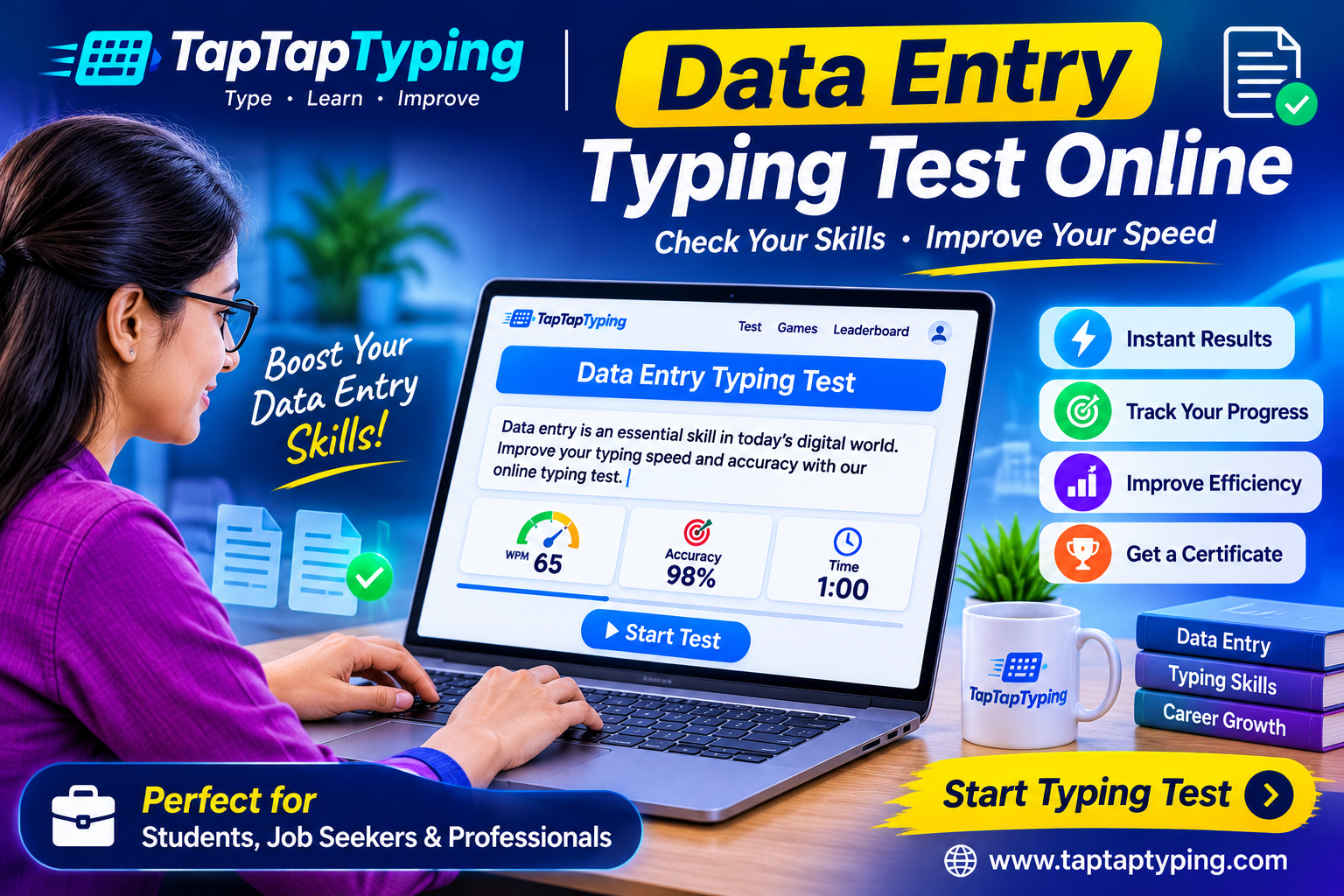
Data Entry Typing Test Online: Build Speed, Accuracy and Job-Ready Skills
A data entry typing test is more than a quick WPM challenge. It measures whether you can enter information quickly, correctly, and consistently—the skills employers expect from clerks, computer operators, office assistants, transcription workers, and data-entry professionals.
This online typing test helps you practice English typing, track your words per minute, and improve accuracy through realistic paragraphs. Whether you are preparing for a government exam, applying for an office job, or simply trying to type faster for study, a structured practice routine can produce visible progress within weeks.
What is a data entry typing test?
A data entry typing test asks you to type a passage within a fixed time. The system then calculates your typing speed, accuracy, error count, and sometimes key depressions per hour, also called KDPH.
In a standard WPM calculation, one word equals five characters, including spaces. Your gross WPM includes every keystroke, while net WPM subtracts errors. For data-entry work, net speed and accuracy usually matter more than a high gross score because incorrect entries can create costly mistakes.
A strong data-entry typist does not simply type quickly. They maintain steady rhythm, avoid unnecessary corrections, read ahead without losing focus, and enter information accurately under time pressure.
Why typing accuracy matters
Many beginners chase speed and ignore accuracy. That approach often backfires. If you type 70 WPM but make frequent mistakes, you may spend more time correcting errors than someone typing steadily at 50 WPM with high accuracy.
Accuracy is especially important in office and data-entry roles. A wrong number, misspelled name, or misplaced decimal point can affect records, invoices, customer details, and reports. Employers generally prefer candidates who can maintain a dependable pace with minimal errors.
A practical target is to keep accuracy above 95 percent while increasing speed slowly. Once your accuracy remains stable, increase the difficulty of your practice passages and test duration.
Typing speed benchmarks
There is no universal passing score for every job or exam. However, these ranges give you a useful reference point:
| Skill level | Typical net WPM | Practical use |
|---|---|---|
| Beginner | 20–35 WPM | Learning keyboard positions |
| Casual user | 35–50 WPM | Emails, assignments, basic office work |
| Office-ready | 50–65 WPM | Clerical and administrative tasks |
| Fast typist | 65–85 WPM | Data entry, writing, customer support |
| Professional level | 85+ WPM | High-volume entry and specialized roles |
For competitive exams, do not rely on a general benchmark. Requirements differ by recruitment board, post, language, and test format. SSC-related typing practice pages, for example, commonly distinguish between WPM-based tests and KDPH-based data-entry tests.
How to take an online typing test
Start with a one-minute English typing test to establish your current baseline. Sit with both feet flat, keep your wrists relaxed, and place your fingers on the home row. Look at the screen instead of the keyboard.
Choose a quiet place and avoid switching tabs during the test. The timer should begin only when you start typing. Type naturally rather than rushing; panic often creates avoidable mistakes.
After finishing, review three results:
- Net WPM: Your usable typing speed after errors.
- Accuracy percentage: How many characters or words you typed correctly.
- Common mistakes: The keys, words, or letter combinations that slow you down.
Repeat the same test length each week. This makes your progress easier to measure.
Practice plan for faster WPM
Improvement requires deliberate practice, not endless random typing. Use short sessions and focus on one weakness at a time.
- Take a one-minute baseline test.
- Practice home-row drills for five minutes.
- Type two paragraphs with normal punctuation.
- Practice number rows and common symbols.
- Finish with a five-minute test.
- Record your WPM, accuracy, and errors.
Practice for ten to fifteen minutes daily. Short, consistent sessions build muscle memory more effectively than occasional long practice marathons. If you make repeated errors on particular letters, slow down and retrain those keys before increasing speed.
Typing test for students and kids
Students benefit from typing practice because schoolwork increasingly involves online research, assignments, presentations, and digital exams. A typing test for students should be simple, distraction-free, and suitable for short attention spans.
For children, begin with keyboard awareness rather than speed. Teach the home-row position, correct finger placement, and basic posture. Then introduce short lessons using familiar words and simple sentences. Avoid pressuring young learners to reach adult WPM targets.
A good approach is five minutes of guided practice followed by a one-minute test. Celebrate improvement in accuracy as well as speed. Confidence matters: children who feel comfortable with the keyboard are more likely to continue practicing.
Typing certificates for jobs
An online typing certificate can be useful when an employer, training center, or recruitment process asks for proof of typing ability. A certificate normally records your test duration, net WPM, accuracy, and completion date.
Before relying on any certificate for a job application, check whether the employer accepts online certificates. Some organizations require an invigilated assessment or their own internal test. A certificate is most valuable as evidence of consistent practice and measurable improvement.
When choosing a certificate test, use a realistic passage, select a duration that matches the job requirement, and aim for a high accuracy score. A 55 WPM result with 98 percent accuracy is often more convincing than an inflated speed score with frequent mistakes.
Preparing for government and bank exams
Typing tests for competitive exams require a different mindset from casual practice. You must understand the exact rules before practicing: allowed time, language, error calculation, backspace policy, and qualifying speed.
For SSC, bank clerk, court, and computer-operator exams, practice with exam-style paragraphs rather than random sentences. Use a timer, avoid looking at the keyboard, and simulate real conditions. Many exam-preparation platforms provide SSC, court, railway, and state-exam typing simulations with WPM, accuracy, and error tracking.
Create a weekly target based on the official requirement. If the exam requires 35 WPM, practice until you can reach 40 WPM comfortably. That buffer helps you perform well even when you feel nervous on test day.
English typing practice that works
English typing practice should include more than easy words. Use paragraphs containing punctuation, capital letters, numbers, dates, addresses, and workplace vocabulary. This prepares you for real data-entry and clerical work.
Read one or two words ahead while typing. Keep your eyes on the screen, use all fingers, and avoid looking down. If you make a mistake, correct it only if the test allows corrections; otherwise, continue smoothly and focus on the next word.
Consistency is the real secret. A person practicing fifteen focused minutes daily will usually improve faster than someone practicing for two hours once a week.
Start your data entry test
Take a free data entry typing test online today. Start with one minute, record your WPM and accuracy, then follow a daily practice routine. Over time, you will type with greater confidence, fewer errors, and better control under pressure.
Your typing speed is a skill, not a fixed talent. With accurate practice, realistic goals, and regular testing, you can become faster, more employable, and better prepared for exams and office work.