Free Typing Lessons Online: Learn Touch Typing and Improve Your WPM
Free typing lessons online are one of the easiest ways to build a skill you can use at school, at work, and in almost every remote job. Instead of hunting for keys with two fingers, you can learn touch typing, improve accuracy, and gradually increase your words per minute.
This guide explains how to start typing lessons as a complete beginner, practice correctly, and measure progress using WPM and accuracy. You do not need expensive software or a special keyboard—just a computer, a quiet place to practice, and a few minutes each day.
What Are Free Online Typing Lessons?
Free online typing lessons teach you how to use a keyboard without looking down at the keys. This method is called touch typing. Your fingers learn the position of each key through repetition, so over time you can type faster while keeping your eyes on the screen.
A good typing course usually starts with the home row, then introduces the top row, bottom row, numbers, capital letters, and punctuation. Many free typing tutors follow this step-by-step approach, beginning with home-row keys and gradually adding more keys, words, and sentence practice.
Why Learn Touch Typing?
Touch typing is useful because it saves time and reduces mistakes. When you know where every key is located, you can focus on the words you are writing instead of searching for letters.
Learning to type properly can help you:
- Write emails and documents faster.
- Complete school assignments more efficiently.
- Prepare for data-entry and customer-support jobs.
- Reduce typing errors in important work.
- Build confidence using a computer.
- Improve your WPM score over time.
You do not need to become a professional typist to benefit. Even moving from 25 WPM to 45 WPM can make everyday computer work noticeably easier.
Start With the Home Row
The home row is the foundation of touch typing. Place your left fingers on A, S, D, and F, and your right fingers on J, K, L, and semicolon. Your thumbs should rest lightly near the spacebar.
Most keyboards have a small raised bump on the F and J keys. These bumps help you find the home-row position without looking down.
Practice this simple sequence:
- Place your fingers on the home row.
- Keep your wrists relaxed and your elbows at your sides.
- Type each key slowly and return your finger to its home position.
- Look at the screen, not the keyboard.
- Repeat short drills until the movement feels natural.
Do not rush this stage. Accurate finger placement matters more than speed when you are first learning.
A Simple Beginner Typing Plan
You can learn the basics of typing in a few weeks if you practice regularly. A realistic plan is better than trying to type quickly from day one.
| Week | Focus | Daily practice |
|---|---|---|
| Week 1 | Home row and finger placement | 10–15 minutes |
| Week 2 | Top and bottom rows | 15 minutes |
| Week 3 | Common words and punctuation | 15–20 minutes |
| Week 4 | Capital letters and numbers | 15–20 minutes |
| Week 5 | Sentences and timed tests | 20 minutes |
| Week 6 | Speed and accuracy balance | 20–30 minutes |
Practice in short sessions. Ten focused minutes every day is usually more effective than one long session once a week.
How to Improve Typing Speed
Many beginners try to type faster immediately, but that often creates bad habits. The best way to improve typing speed is to build accuracy first, then increase your pace gradually.
Follow these rules:
- Keep your eyes on the screen.
- Use all ten fingers, not just two.
- Do not look down at the keyboard.
- Type at a speed where you make few errors.
- Practice difficult letter combinations.
- Take short breaks if your hands feel tense.
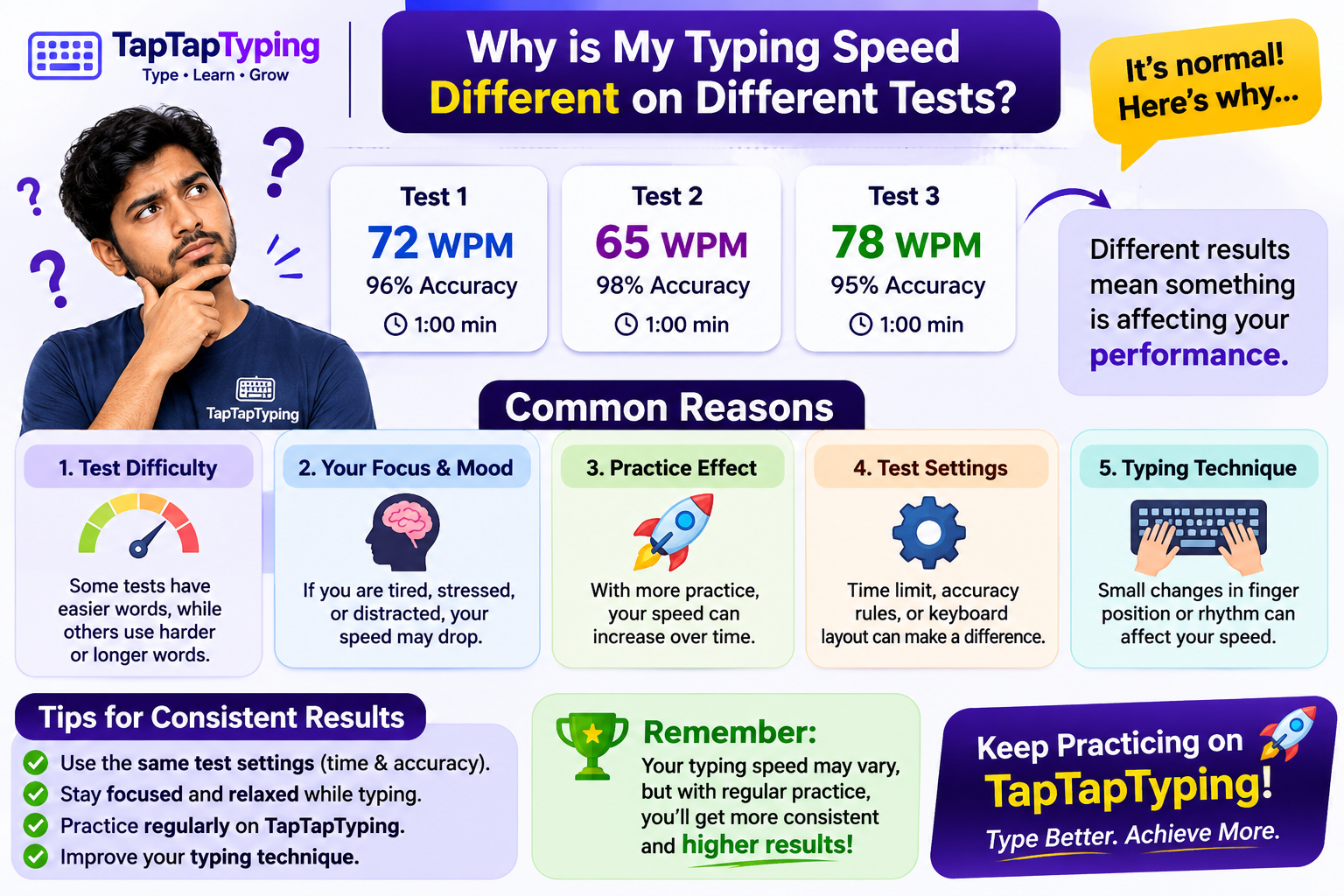
- Retake the same test weekly to measure progress.
A useful target is 95 percent accuracy or higher. Once you can type accurately at a comfortable pace, your WPM will rise naturally.
What Is WPM?
WPM means words per minute. It is a standard way to measure typing speed. Most typing tools calculate WPM by dividing the number of characters typed by five, then dividing that number by the minutes spent typing.
\text{WPM} = \frac{\text{characters typed} \div 5}{\text{minutes}}For example, if you type 250 characters correctly in one minute, your score is 50 WPM. Accuracy matters because mistakes can lower your effective result, especially in employment-style typing tests.
What Is a Good Typing Speed?
There is no single correct typing speed. Your goal depends on whether you are learning for school, personal use, or a job.
| Typing speed | Skill level |
|---|---|
| 20–30 WPM | Beginner |
| 30–40 WPM | Average |
| 40–55 WPM | Good |
| 55–70 WPM | Fast |
| 70+ WPM | Advanced |
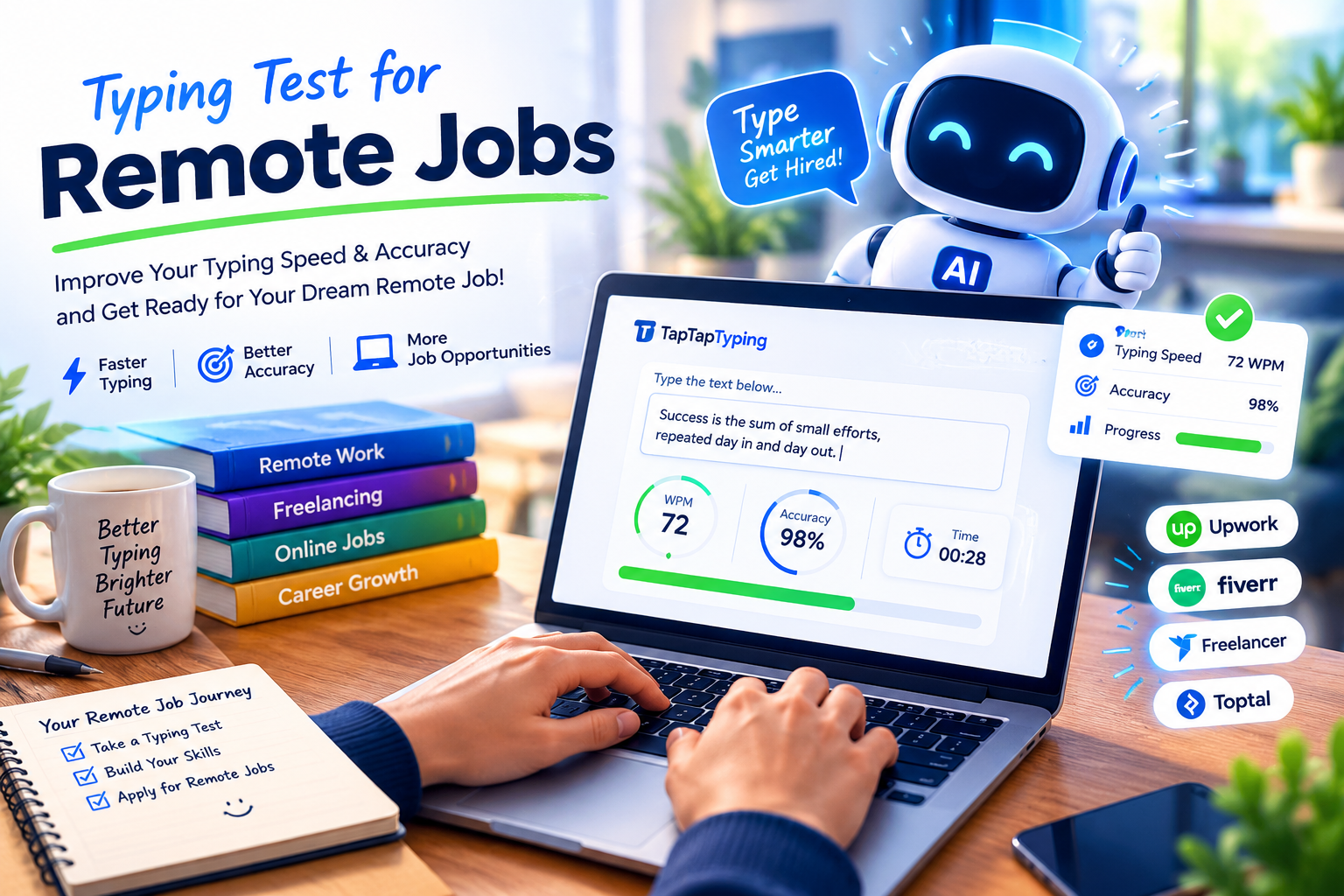
For most everyday tasks, 40–50 WPM is a strong practical goal. For data entry, virtual assistance, customer support, and transcription, 50–70 WPM with high accuracy can make you more competitive.
Practice Typing Accuracy, Not Just Speed
Typing accuracy practiceis often ignored by beginners. Speed without accuracy creates more work later because you must find and correct mistakes.
Try this exercise:
- Choose a short paragraph.
- Type it once without worrying about speed.
- Count your errors.
- Type it again, aiming for fewer mistakes.
- Repeat until you can complete it cleanly.
- Only then try to increase your pace.
This method teaches your fingers the correct movement. It also helps you notice common errors, such as mixing up similar keys or missing punctuation.
Typing Lessons for Beginners
If you are completely new to typing, begin with simple drills rather than long paragraphs. Start with individual letters, then move to common letter pairs such as “th,” “er,” “in,” and “ing.”
A good beginner routine looks like this:
- Practice home-row keys for three minutes.
- Practice new keys for five minutes.
- Type simple words for five minutes.
- Finish with a one-minute typing test.
- Review your errors before stopping.
Keep the routine short and consistent. Your hands learn through repetition, so daily practice is more valuable than occasional long sessions.
Typing Lessons for Adults and Students
Adults often learn typing for work, while students may need it for assignments, research, and online exams. The learning process is similar, but adults may benefit from practicing real-world material such as emails, reports, and work-related sentences.
Students can practice with short paragraphs, vocabulary words, and school notes. The goal is not only to type quickly, but also to type accurately while thinking about the content.
How Long Does It Take to Learn Typing?
Most beginners can learn the basic keyboard layout within a few weeks. Building comfortable speed usually takes longer, often several weeks or months of regular practice.
Do not compare yourself with experienced typists. Your first score is only a starting point. If you practice 15 minutes a day, you can expect steady progress rather than overnight results.
Common Typing Mistakes to Avoid
These mistakes slow progress more than lack of talent:
- Looking down at the keyboard.
- Using only a few fingers.
- Typing too fast before learning accuracy.
- Ignoring posture and hand position.
- Practicing only when you feel motivated.
- Skipping punctuation and numbers.
- Taking a test once and expecting instant improvement.
Correct these habits early. Good technique makes faster typing easier later.
Free Typing Test and Lessons
After practicing, take a free typing test and lessons session to measure your progress. A short test shows your current WPM, while regular lessons help you improve the weak areas behind that score.
Use a one-minute test for a quick check, a three-minute test for balance, and a five-minute test when you want to build endurance. Track your results in a simple note or spreadsheet so you can see improvement over time.
Free typing lessons online: The Complete Guide to Learn Typing Fast and
accurate with these easy typing tips to make typing practice more efficient -
how to learn fast, my 5 best touch typing tios, what you should eat while learning
to type.
Living as we do in a digital age, the art and ability of typing has taken on
a more crucial role. No matter who you are – a student, freelancer,
professional or simply a casual computer user – fast and accurate typing can
not only save time but also get rid of the natural barrier between yourself and
what you are trying to accomplish. Luckily, you can do so without spending
money or going to physical classes. Free typing lessons online can be found
pretty much anywhere, and anyone can benefit from practicing a few assignments
each day whether you are a newbie just starting out or an established
professional.
Platforms like typingst. com, taptaptyping. com, and typingtestai. com boast
free structured typing courses designed specifically for every learning style.
In this guide, we’re going to cover all you need to know about free online
typing lessons: the advantages; different types of touch type tutor; a
step-by-step learning pathway and our favorite fast way to improve.
Why Typing Lessons Online Free Is So Important
When it comes to touch typing there is more than simply speed involved,
there are also aspects such as consistency, accuracy and comfort. Free online
typing lessons provide:
✔ Cost-Effective Learning
No monthly subscription fees, software purchase and no training center
required.
All you really need is a computer and an internet connection.
✔ Learn at Your Own Pace
Both beginners and amateurs can easily play along according to their level.
Pause, rewind, fast-forward at any time.
✔ Structured Learning
Online platforms like typingst. com, taptaptyping. com, and typingtestai.
com and offer taught lessons ranging from basic to advanced training.
✔ Skill Tracking
There’s real-time feedback to monitor your speed (WPM), accuracy, mistakes and
progress.
✔ Flexibility
Learn anytime from anywhere— for students, employee or freelancer.
Pros of Learning Typing Online Free
Great for beginners and daily practicing.
taptaptyping. com — Interactive Practice
Paragraph typing
Random word exercises
Copying typing with finger as tracking guide.
Custom text lessons
Ideal for intermediate and advanced learners seeking interactive,
entertaining lessons.
Frequently Asked Questions
Are free typing lessons online effective?
Yes. Free lessons can be very effective if you practice consistently and focus on correct finger placement, accuracy, and gradual speed improvement.
Can I learn typing without looking at the keyboard?
Yes. Touch typing is designed to teach you exactly that. Start slowly, use the home row, and avoid looking down while you practice.
How long should I practice typing each day?
Ten to twenty minutes daily is enough for most beginners. Consistency matters more than session length.
What WPM should a beginner aim for?
Aim for 30–40 WPM first, then work toward 45–55 WPM with at least 95 percent accuracy.
Do typing lessons help with remote jobs?
Yes. Strong typing skills are useful for data entry, customer support, virtual assistance, transcription, writing, and administrative work.
Final Thoughts
Free typing lessons online give anyone the chance to build a practical, lifelong skill. Start with the home row, practice a little every day, and measure your progress with WPM and accuracy.
Do not worry about typing fast on your first day. Focus on correct technique, steady practice, and fewer mistakes. Over time, your fingers will learn the keyboard, and your speed will improve naturally.