Typing Speed Test: How to Check Your WPM and Improve
A typing speed test helps you measure how quickly and accurately you can type on a keyboard. Your result, usually expressed in words per minute (WPM), gives you a starting point for improving your keyboard skills, preparing for a typing assessment, or becoming more efficient at everyday computer work.
With a free online typing speed test, you can measure your current performance, identify mistakes, and practise with a clearer goal. The key is to look beyond a single high score: consistent speed, reliable accuracy, and the ability to maintain your performance over time are more useful indicators of progress.
How to Take a Typing Speed Test Online
You can check your typing speed in a few straightforward steps.
- Choose a test duration. A one-minute test is convenient for a quick baseline. Longer tests can help you assess whether you maintain a steady pace.
- Read the displayed passage. Familiarise yourself with the text before you begin, without trying to memorise it.
- Type at a controlled pace. Focus on entering the correct characters rather than racing through the passage.
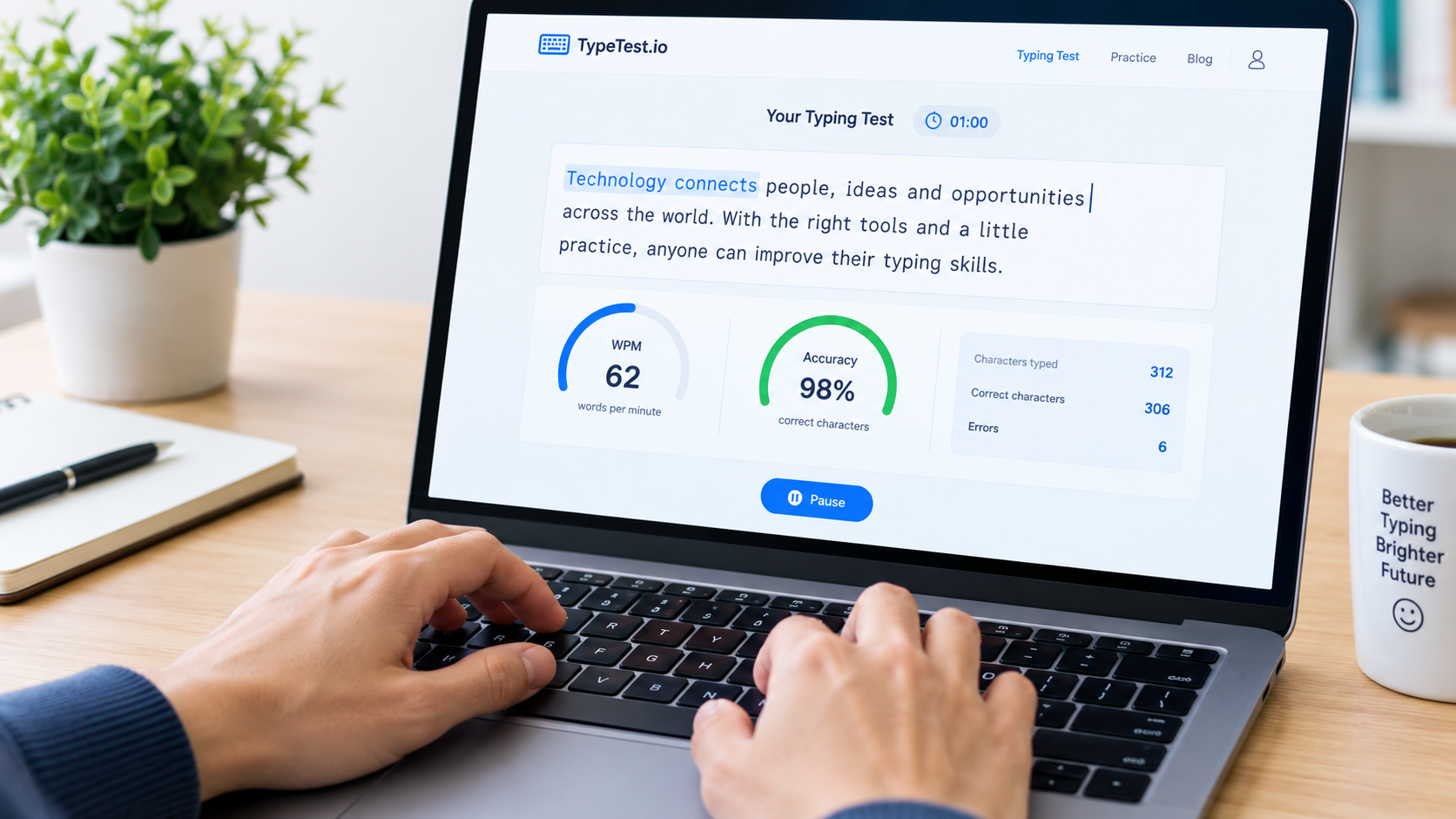
- Review your results. Note your WPM, accuracy, and errors where those measurements are provided.
- Repeat under similar conditions. Use the same test duration and, when possible, comparable text and keyboard settings.
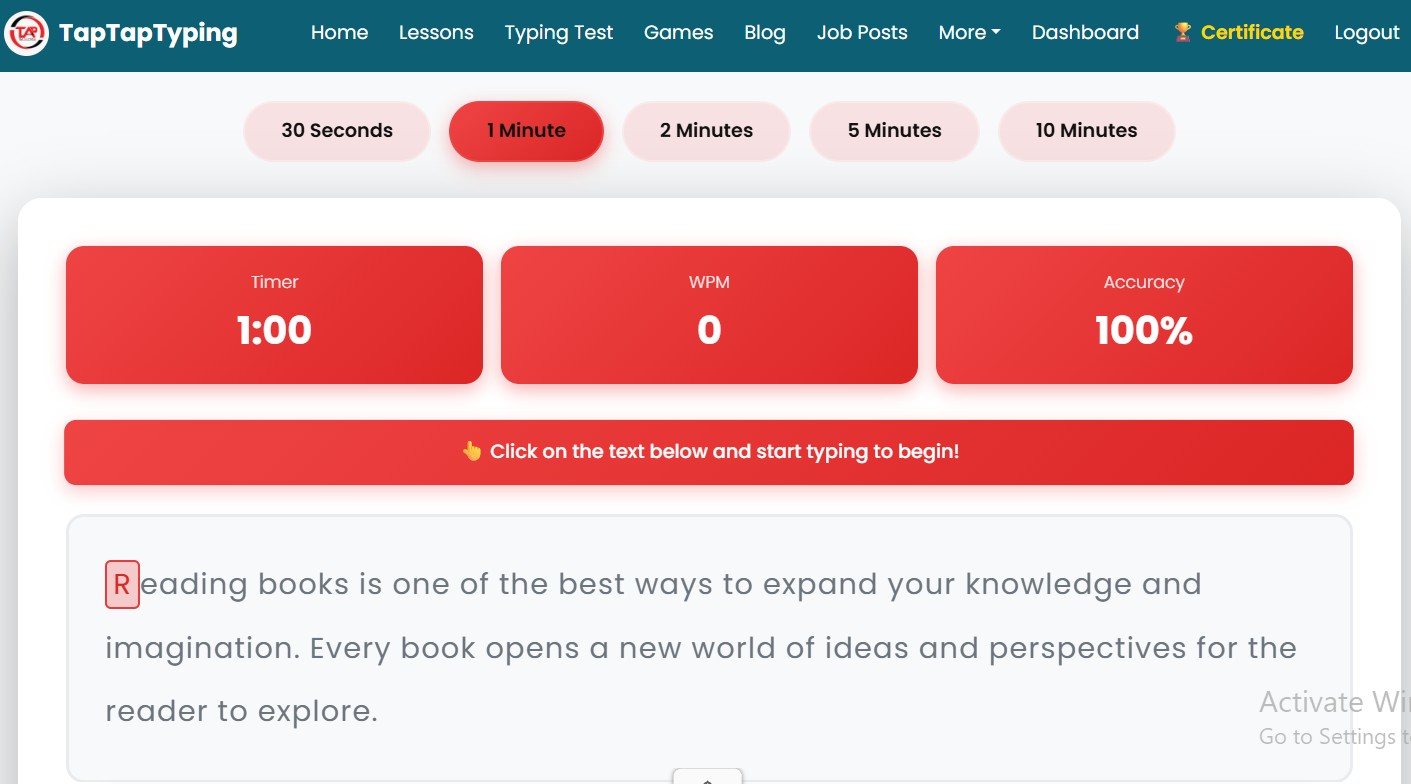
You can take a typing speed test on TapTapTyping to check your speed and accuracy. The test interface offers several durations, including 30 seconds, one minute, two minutes, five minutes, and ten minutes.
For a useful baseline, begin with a one-minute test. If you are preparing for an assessment that lasts longer, practise with a duration closer to the actual exam.
What Do WPM and Typing Accuracy Mean?
WPM stands for words per minute. It describes typing speed using a standardised word-length convention rather than simply counting the spaces between written words.
Many typing tests treat five characters, including spaces and punctuation, as one standard word. Under that convention, typing 250 characters in one minute corresponds to 50 gross WPM.
A simplified formula is:
WPM = characters typed ÷ 5 ÷ time in minutes
However, typing websites may calculate net speed, apply error penalties, or handle corrections differently. Your final score may therefore differ between tools, even when your performance is similar.
Accuracy measures how closely your typed text matches the supplied passage. A higher percentage generally means fewer mistakes under that test's scoring method.
Consider these illustrative results:
- Typist A: 60 WPM at 88% accuracy.
- Typist B: 50 WPM at 98% accuracy.
Typist A is faster in this example, but Typist B makes fewer errors. For work involving names, addresses, figures, or important documents, that difference can matter.
Neither number should be interpreted in isolation. Look at speed, accuracy, and consistency together.
How to Interpret Your Typing Test Results
Your first score is a baseline, not a permanent label for your ability.
If you receive a lower score than expected, consider whether you were unfamiliar with the passage, distracted, tense, or using a different keyboard. A single attempt cannot explain every factor affecting your performance.
Use this simple framework to decide what to practise next.
If your speed is low but your accuracy is strong: Work on rhythm, common letter combinations, and touch typing. Increase your pace gradually without sacrificing control.
If your speed is high but your accuracy is low: Slow down slightly and focus on correct keystrokes. Frequent errors can interrupt your rhythm and create extra correction work.
If your results change significantly between attempts: Keep the test conditions consistent and complete several attempts over different practice sessions. Look for a pattern rather than relying on your best score.
If you perform well in a short test but struggle with a longer one: Practise maintaining a comfortable pace for longer periods. Endurance and concentration may need attention alongside finger technique.
There is no single WPM target that suits every learner or occupation. Set your next goal according to your current result, your accuracy, and the requirements of the task you want to perform.
How to Improve Your Typing Speed and Accuracy
The most useful practice routine targets a specific weakness instead of repeating timed tests without reviewing the results.
1. Learn correct finger placement
Touch typing means typing without constantly looking down at the keyboard. On a standard QWERTY keyboard, the home row is commonly centred on A, S, D, F and J, K, L, semicolon.
Learning these positions helps you build a repeatable starting point for finger movement. If you are a beginner, start with simple key exercises before attempting longer passages at speed.
2. Prioritise accuracy before speed
Typing faster is not helpful if your error rate rises sharply. Practise at a pace that allows you to enter the correct characters consistently.
When you notice repeated mistakes, identify the letters or combinations causing difficulty. Spend a few minutes practising those patterns before taking another timed test.
3. Maintain a steady rhythm
Avoid sudden bursts of speed followed by long pauses. Smooth, controlled typing can make it easier to maintain performance throughout a test.
Keep your hands relaxed, use comfortable posture, and take breaks when needed. Typing practice should develop a sustainable technique, not encourage unnecessary tension.
4. Use focused practice instead of testing alone
A typing speed checker tells you how you performed, but a score by itself does not teach you how to correct a weakness.
Combine short lessons, targeted exercises, and timed tests. You can also use TapTapTyping's typing games to add variety to your practice routine.
Use games to make repetition more engaging, but continue practising ordinary words and sentences so your skills transfer to everyday typing.
5. Track your progress
Keep a simple record of your results. Include the date, test duration, WPM, accuracy, and the main issue you noticed.
For example:
| Practice session | WPM | Accuracy | Next step |
|---|---|---|---|
| Initial test | 32 | 90% | Reduce repeated errors |
| Later test | 34 | 95% | Practise difficult combinations |
| Follow-up | 37 | 96% | Build a steadier rhythm |
These figures are an illustrative example, not actual TapTapTyping user results or a promised improvement timeline.
Compare results collected under similar conditions. A short test using familiar words is not directly equivalent to a longer test with unfamiliar text, punctuation, and numbers.
Using a Typing Speed Test to Prepare for a Job
Typing ability can be useful in administrative work, customer support, data entry, transcription, and other roles involving regular keyboard use.
However, there is no universal typing-speed requirement for every job in the United States. Employers may specify different speeds, accuracy thresholds, test durations, text formats, or assessment platforms.
If you are preparing for a job application:
- Read the job description and assessment instructions carefully.
- Identify the required speed, accuracy, duration, and keyboard or language settings.
- Practise with text similar to the material you may need to enter.
- Take timed tests under conditions resembling the actual assessment.
- Review mistakes and repeat the exercises that address your weakest areas.
For data entry, practise accuracy with names, numbers, dates, and other structured information when those tasks are relevant to the role. A general English typing test is useful for measuring basic keyboard fluency, but it may not fully reflect the demands of a specialised assessment.
Treat online test results as practice measurements unless the employer explicitly accepts that test as part of its evaluation.
How to Get a More Reliable Typing Speed Measurement
Several factors can influence your score. Passage difficulty, test length, keyboard familiarity, concentration, corrections, and the platform's scoring formula can all affect the result.
For more meaningful comparisons:
- Use the same test platform when tracking progress.
- Keep the test duration consistent.
- Use the same physical keyboard where practical.
- Practise in a reasonably quiet environment.
- Compare accuracy alongside WPM.
- Record more than one attempt instead of focusing only on a personal best.
If you type in English, use an English passage when you want to measure English typing fluency. If your work involves numbers or punctuation, practise those elements separately too.
A typing speed test is a useful indicator of performance under specific conditions. It is not a complete measure of overall computer proficiency, and its result should not be treated as an official qualification unless the relevant organisation recognises it as such.